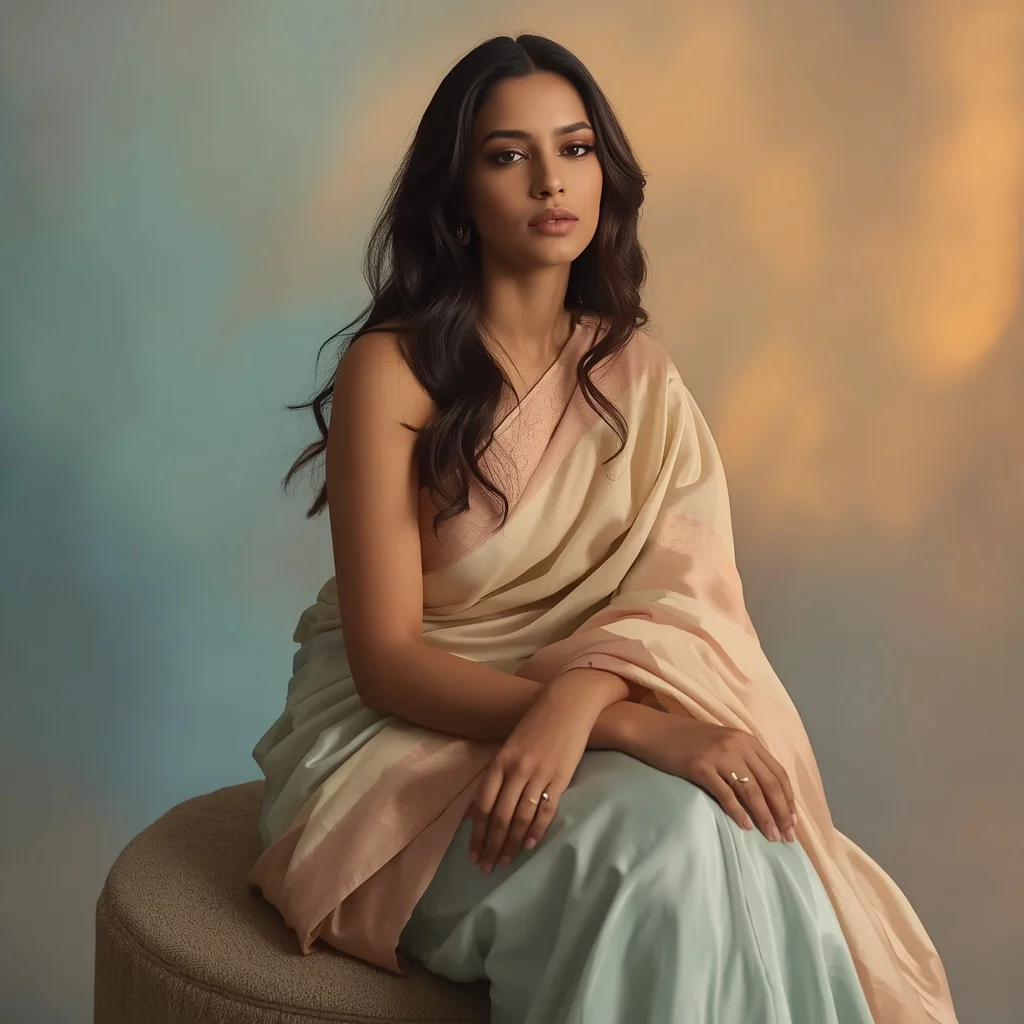
Stylish Man Sliding Gently Along Studio Wall Shadow | Stylish Man Captured
Some of the most compelling portraits don’t rely on elaborate sets or dramatic action—they hinge on a single, quiet gesture. The prompt for a stylish man sliding gently along a studio wall with one shoulder touching captures exactly that kind of understated elegance. It asks for a full-body shot where movement is barely there, just a subtle lean and slide that suggests both ease and intention.
This guide walks you through every layer of the image, from the relaxed posture and modern outfit to the shallow depth of field and cinematic lighting. You will find concrete details, style variations, hands-on steps, and troubleshooting advice that help you reproduce the same editorial lifestyle aesthetic without losing the ultra-realistic skin texture and clean composition the prompt demands.
What this sliding studio-wall prompt is asking for
The prompt describes a full-body portrait of a stylish man caught in a moment of minimal motion. His body is positioned slightly along a wall, with one shoulder making gentle contact, while the rest of his posture stays open and relaxed. The expression is calm and confident, and every surface—from skin to fabric—should read as hyper-realistic under cinematic soft lighting.
- Full-body shot of a man sliding slightly along a wall
- One shoulder touching the wall for a casual lean
- Relaxed posture paired with a calm, confident expression
- Modern outfit that reinforces a sleek, editorial look
- Ultra-realistic skin texture with smooth highlights and shadows
- Shallow depth of field and clean minimal background
The scene the prompt builds around a wall and a single shoulder
The setting is deliberately sparse: a clean minimal background that could be a painted studio wall or a seamless backdrop. The prompt specifies "sliding slightly along a wall with one shoulder touching," which turns the wall into more than a prop—it becomes the axis of the whole composition. The man’s body stays close to that surface without pressing hard, creating a diagonal tension that leads the eye from his shoulder down through his legs.
Lighting plays the biggest storytelling role here. The prompt calls for "cinematic soft lighting creating smooth highlights and shadows" and a "shallow depth of field," so the focus stays locked on the man while the wall melts into a creamy blur. Combined with the "DSLR photography style, 8K ultra HD resolution, high dynamic range," the scene reads like a frame pulled from a high-end fashion editorial—quiet, controlled, and impossibly sharp where it matters.
Why this prompt works for stylish, editorial portraits
This prompt succeeds because it balances motion and stillness in a way that feels both natural and polished. The slight slide along the wall introduces a sense of life without breaking the composed, magazine-ready mood. The emphasis on ultra-realistic skin and cinematic lighting pushes the image past a simple snapshot into something that looks intentionally crafted.
- The shoulder-wall contact anchors the pose and adds a relaxed, masculine cool that avoids stiffness.
- Soft, directional light and shallow depth of field mimic high-end DSLR portraiture, making the image feel expensive and editorial.
- The clean composition and minimal background keep all attention on the man’s expression, outfit, and texture details.
Three visual styles you can try inside this prompt
Even within a single prompt, small tweaks to the descriptive language can shift the entire mood. By adjusting terms tied to lighting, texture, or atmosphere, you can steer the result toward three distinct looks without breaking the core scene of a man sliding along a studio wall. Each style below stays fully inside the original concept—no extra props, no changed pose—just a different emotional register.
- Moody editorial black-and-white: Push the contrast higher and describe the light as a single hard source raking across the wall, turning the man’s relaxed posture into a study of shadow and bone structure.
- Warm analogue film look: Add a slight golden-hour cast to the soft lighting and introduce subtle film grain, making the modern outfit and skin texture feel nostalgic and intimate.
- High-fashion minimalist: Emphasize a stark white wall, cooler color temperature, and hyper-smooth fabric on the modern outfit so the image reads like a luxury brand campaign.
How to generate the sliding studio-wall portrait step by step
Working with this prompt is straightforward, but the order of operations matters if you want the ultra-realistic skin, the exact shoulder contact, and the clean composition to render correctly. Follow the steps below whether you are starting from scratch or using a reference image to guide the pose and lighting.
- Copy the full prompt. Take the exact text and paste it into your chosen AI image tool without altering the key phrases about sliding, shoulder contact, or cinematic soft lighting.
- Upload a reference photo. Use a clear full-body shot of a person leaning against a wall with relaxed posture. This helps the model understand the angle and the shallow depth-of-field effect.
- Generate the first batch. Run four variations and look for images where one shoulder clearly touches the wall and the face holds a calm, confident expression.
- Check the hands. In full-body shots, fingers can warp. Inspect every hand for extra digits or unnatural bends, and discard any result where hands look off.
- Examine the face and skin texture. Zoom in on the face to confirm the ultra-realistic skin texture and smooth highlights described in the prompt. Re-roll if the skin looks plastic or over-smoothed.
- Verify the main object—the wall contact. Ensure the shoulder is visibly grazing the wall, not floating or buried. The clean composition falls apart if that contact point reads incorrectly.
What kind of reference photo helps this prompt
A well-chosen reference photo can anchor the AI in real-world anatomy and lighting logic. For this particular prompt, the reference should mirror the quiet dynamism of a man sliding along a wall with just enough contact to sell the pose.
- Pick a full-body shot where the subject’s shoulder touches a plain wall, with weight shifted onto one leg to echo the relaxed posture.
- Choose an image lit by a large soft source from one side, so the reference already shows the cinematic soft lighting and shadow falloff the prompt needs.
- Make sure the background is clean and uncluttered—no furniture, patterns, or distracting textures—so the AI doesn’t carry clutter into the minimal studio-wall scene.
Tools that can render this stylish sliding portrait
Different AI image generators handle skin texture, fabric, and lighting with varying levels of realism. The table below compares four popular tools and notes how each one can serve the specific demands of this prompt, from the shallow depth of field to the clean composition.
| Tool | Access | Typical realism | Useful here for |
|---|---|---|---|
| ChatGPT | Built into the chat interface | Good with clear prompting | Rendering the modern outfit and calm expression with consistent full-body framing |
| Google Gemini | Web and mobile app | Moderate to high | Capturing the subtle shoulder-wall contact and clean minimal background |
| Leonardo AI | Dedicated web platform | High with fine-tuned models | Producing ultra-realistic skin texture and cinematic soft lighting in 8K resolution |
| Midjourney | Discord-based | Very high, photorealistic | Nailing the shallow depth of field and high dynamic range for an editorial lifestyle aesthetic |
Three tips for a more convincing sliding wall portrait
Small descriptive additions can push an already strong prompt into territory that feels unmistakably real. The tips below name actual materials and objects already implied by the scene, helping the AI lock onto texture and fit.
- Describe the wall surface as matte painted drywall or smooth micro-cement so the AI renders a believable, non-distracting backdrop that catches soft shadows.
- Mention the fabric of the modern outfit explicitly—for example, a lightweight merino wool sweater or a crisp cotton-blend overshirt—to give the folds and highlights a natural drape.
- Add a subtle detail like a leather-strap watch on the wrist away from the wall, which gives the AI a small metallic highlight to play with and reinforces the editorial styling.
Common failures and how to fix them
Even a well-written prompt can produce images that miss the mark in specific, predictable ways. The table below lists four issues this prompt can actually have and the exact change that steers the output back on track.
| Issue | What to change |
|---|---|
| The shoulder floats away from the wall | Add ‘shoulder firmly grazing the wall surface’ and increase the weight of the wall-contact phrase in the prompt |
| Skin looks waxy or over-airbrushed | Replace ‘ultra realistic skin texture’ with ‘visible pores and micro-texture under soft light’ and lower any beauty-filter terms |
| Background becomes busy or textured | Reinforce ‘clean minimal background’ by adding ‘plain seamless studio wall with no texture or patterns’ |
| The pose reads stiff instead of relaxed | Insert ‘weight shifted onto back leg, front knee slightly bent’ to cue a natural contrapposto stance |
Frequently Asked Questions
Can I change the modern outfit to something more formal, like a suit?
Yes, and the prompt will still work well. Just replace ‘modern outfit’ with a specific garment such as ‘a tailored charcoal suit with no tie’ and keep the relaxed posture and shoulder-wall contact unchanged. The cinematic soft lighting and shallow depth of field will treat the suit fabric with the same ultra-realistic attention.
What if the AI makes the man look directly at the camera when I want a more candid feel?
Add a gaze direction to the prompt, for example ‘eyes looking slightly down and away from the lens.’ This keeps the calm confident expression but shifts the mood toward an unguarded, editorial moment.
Does the wall have to be a plain studio wall, or can I use a textured brick wall?
You can use a textured wall, but you must adjust the background description carefully. Change ‘clean minimal background’ to ‘minimal brick wall with soft, even lighting’ so the texture doesn’t overpower the man or break the shallow depth-of-field effect.
Conclusion
The image of a stylish man sliding gently along a studio wall with one shoulder touching succeeds because it trusts simplicity. There is no complex narrative, no crowded frame—just a confident figure, a clean surface, and light that sculpts rather than shouts. By following the concrete steps, checking the shoulder contact, refining the skin texture, and choosing the right tool, you can produce a portrait that feels both effortless and meticulously crafted. Whether you keep it monochrome or push into high-fashion territory, the core ingredients stay the same: a relaxed posture, a modern outfit, and that one point of contact that holds the whole composition together.
When you have the final image, open it in your preferred editing software and fine-tune the contrast or crop—just make sure you are working with a photo you have the right to edit.