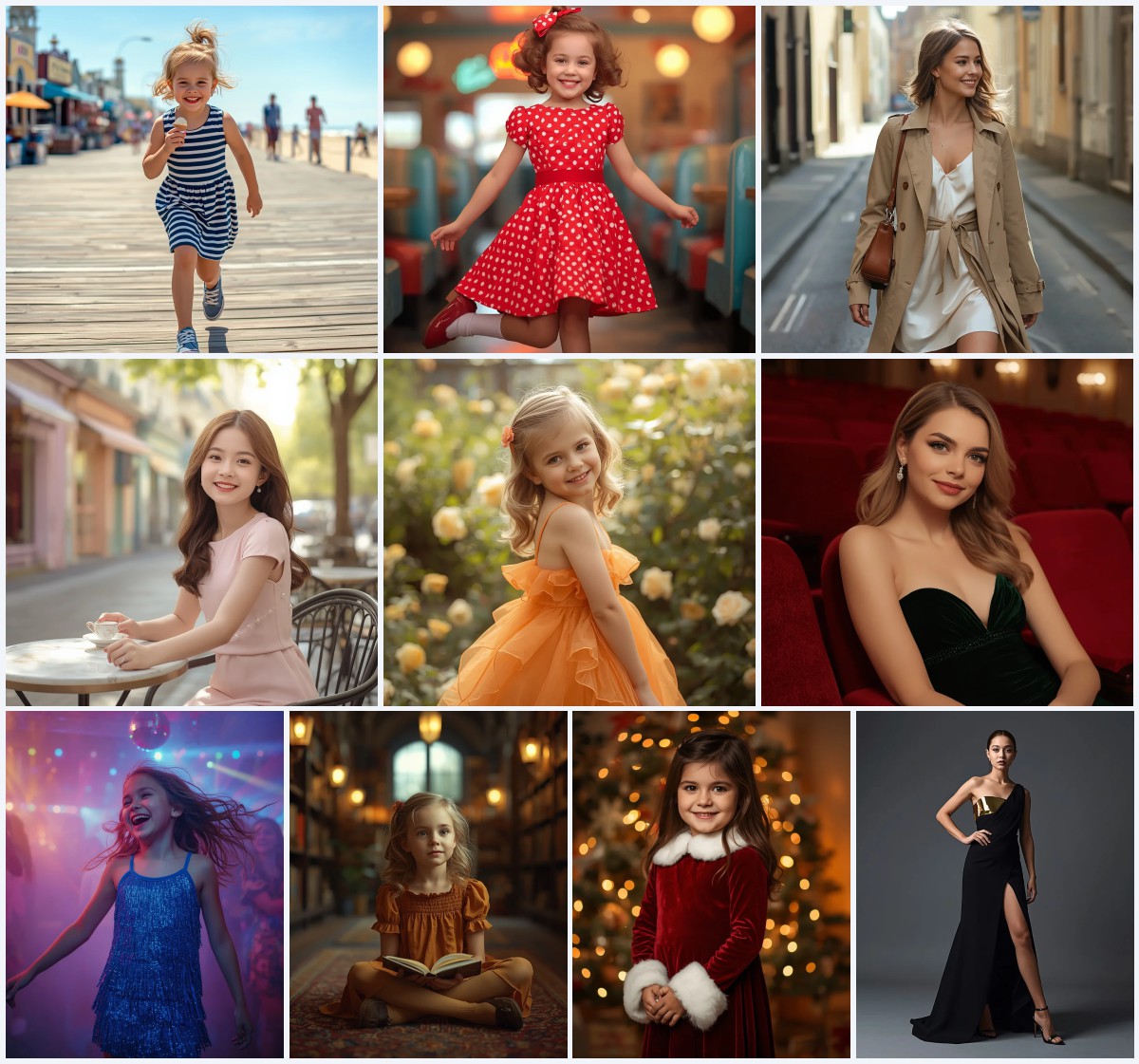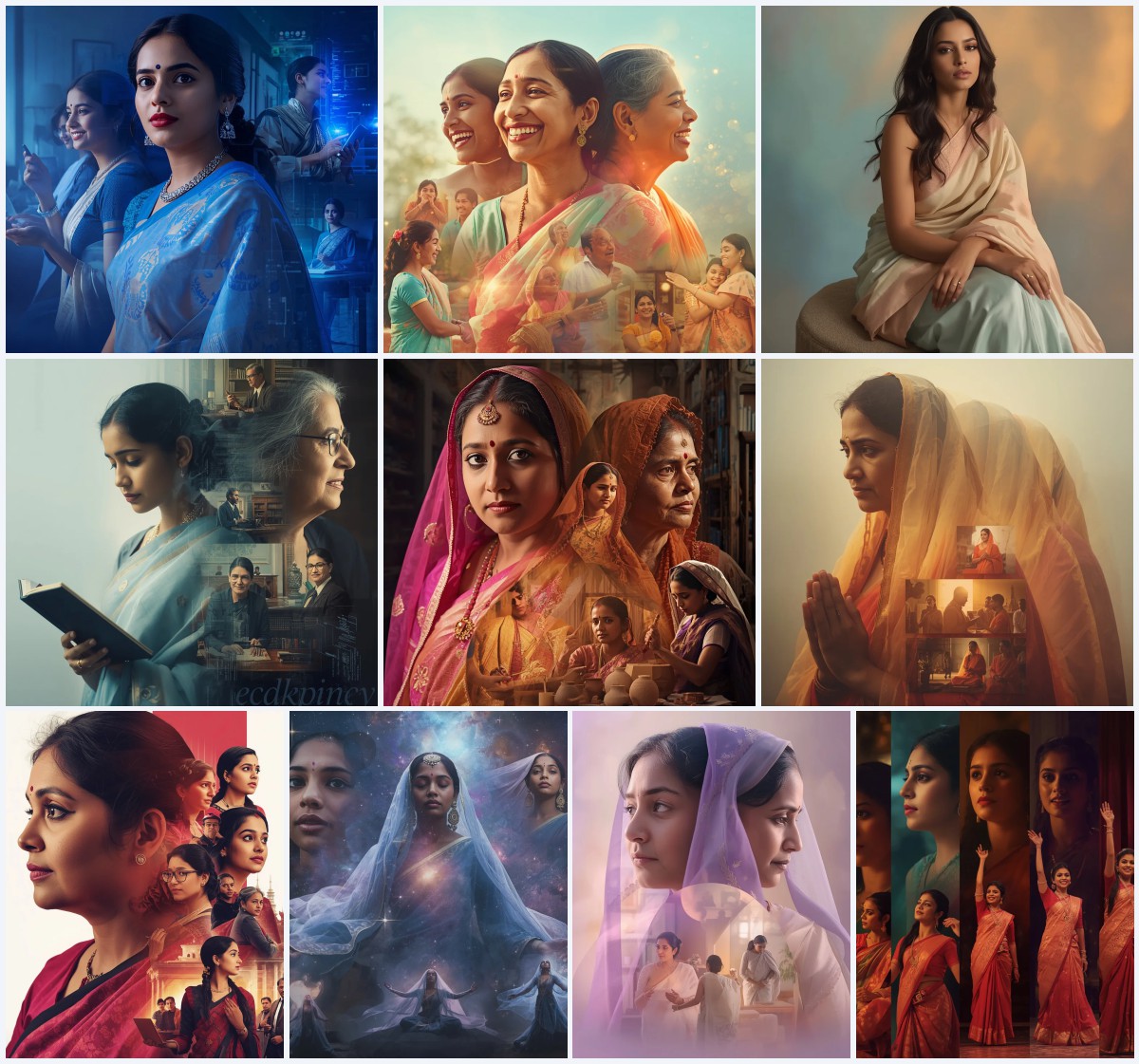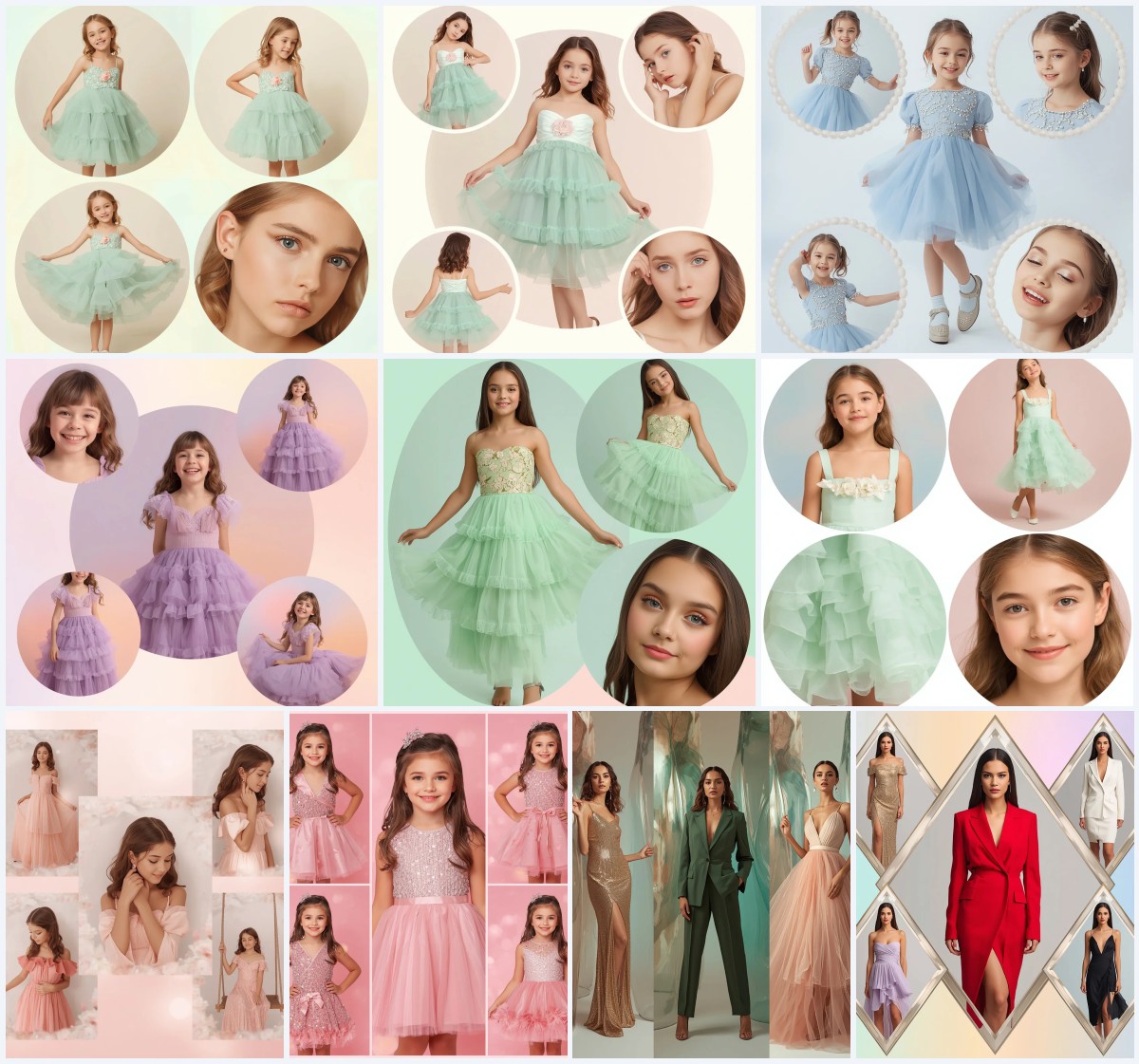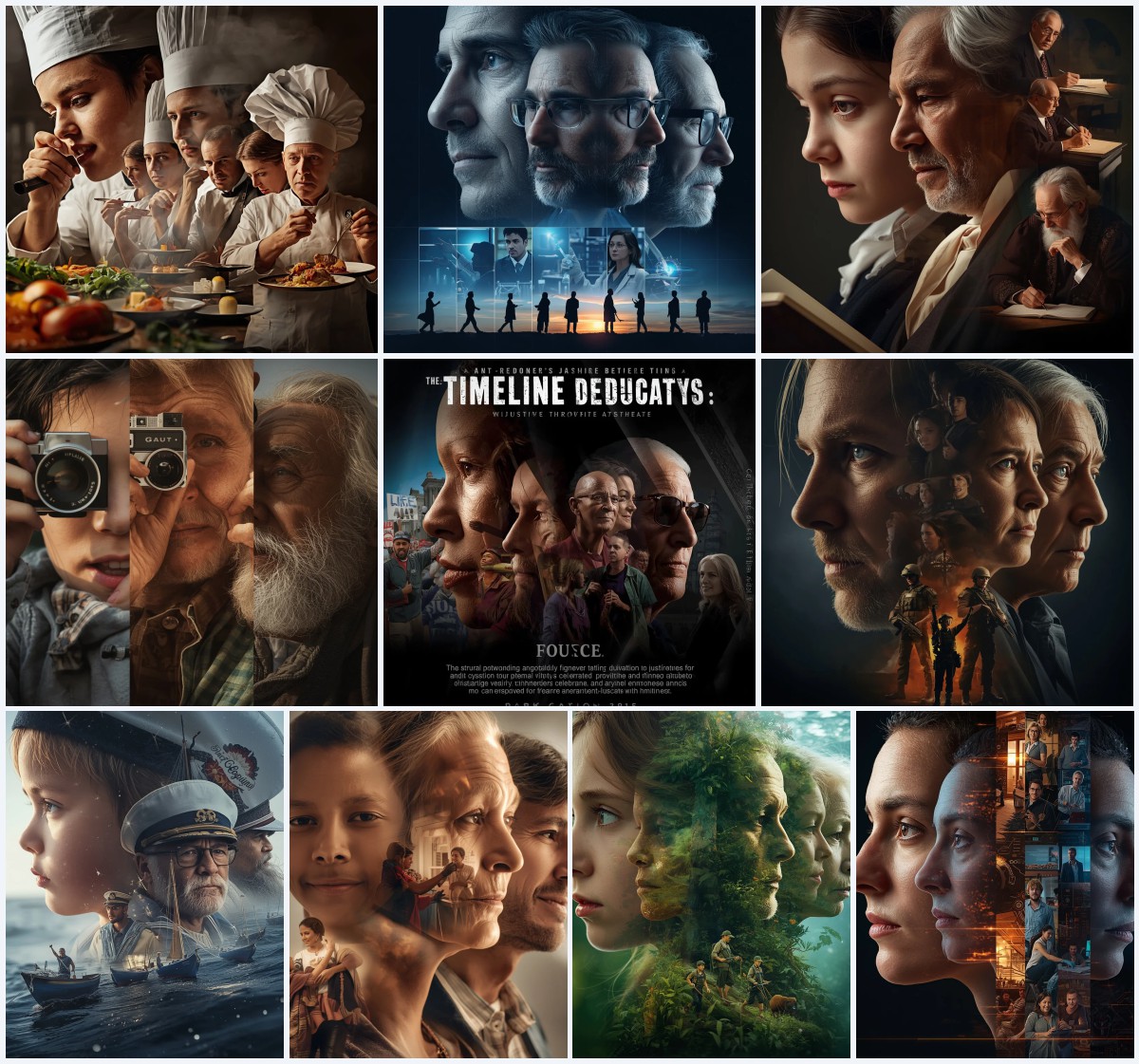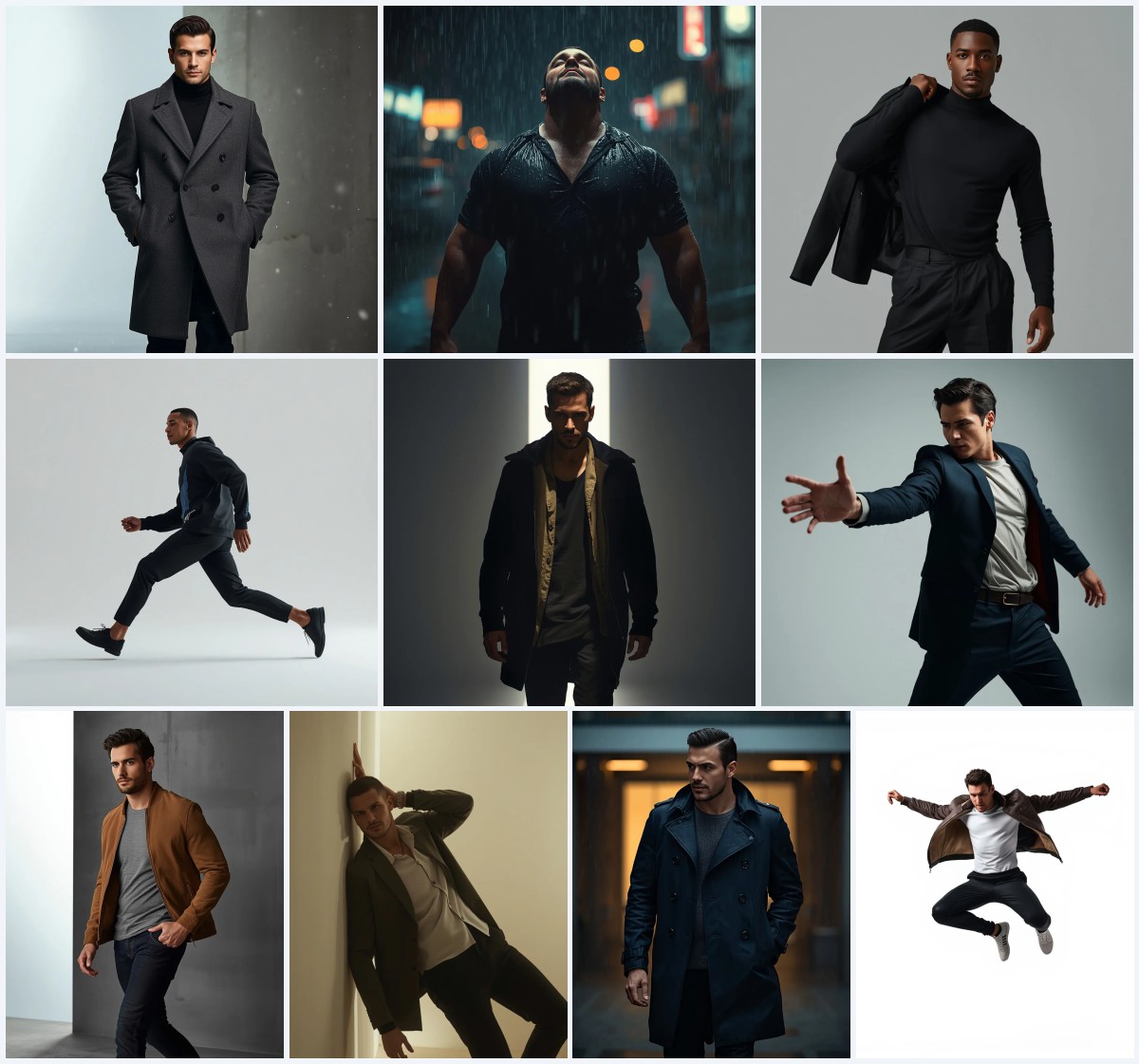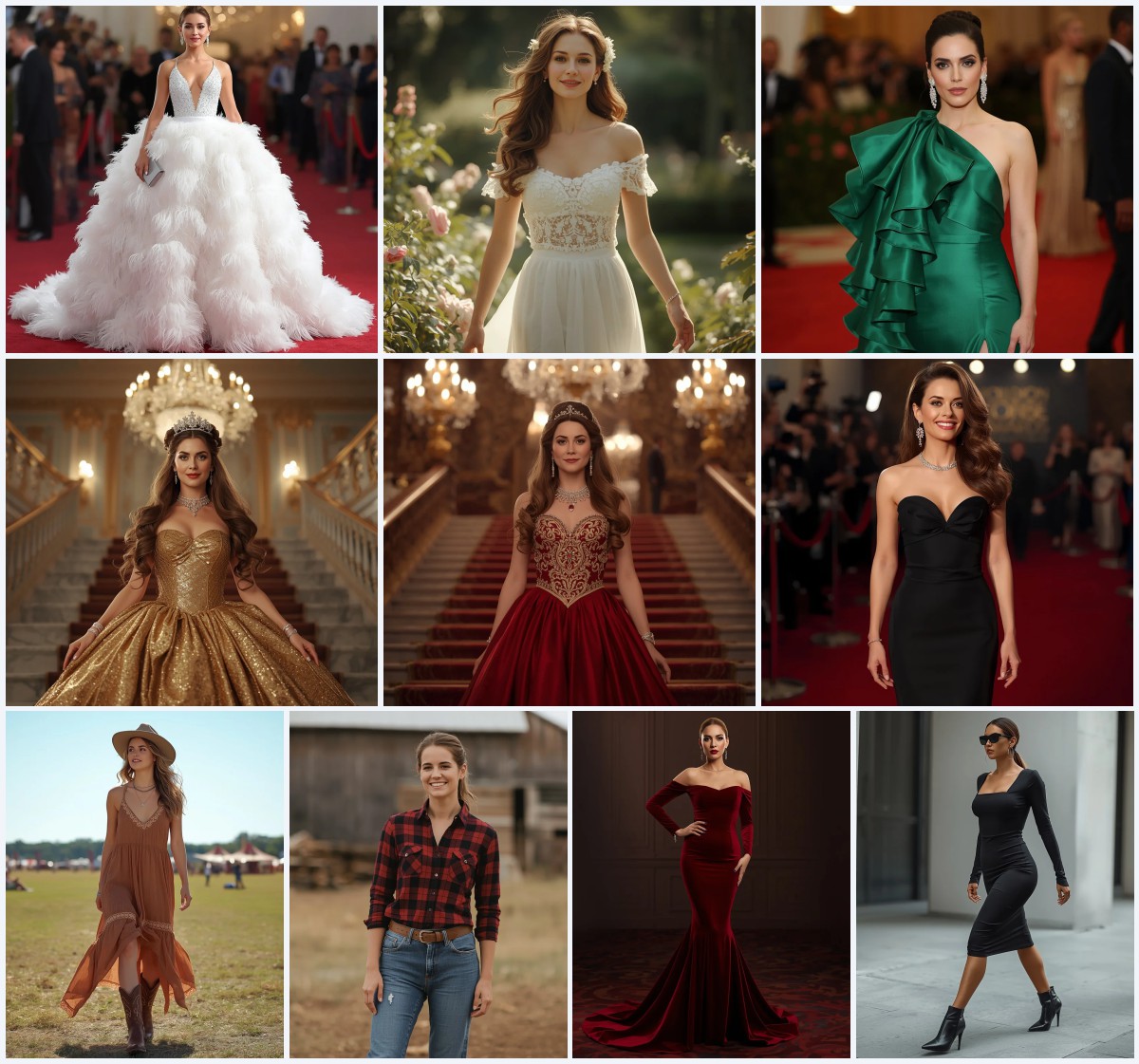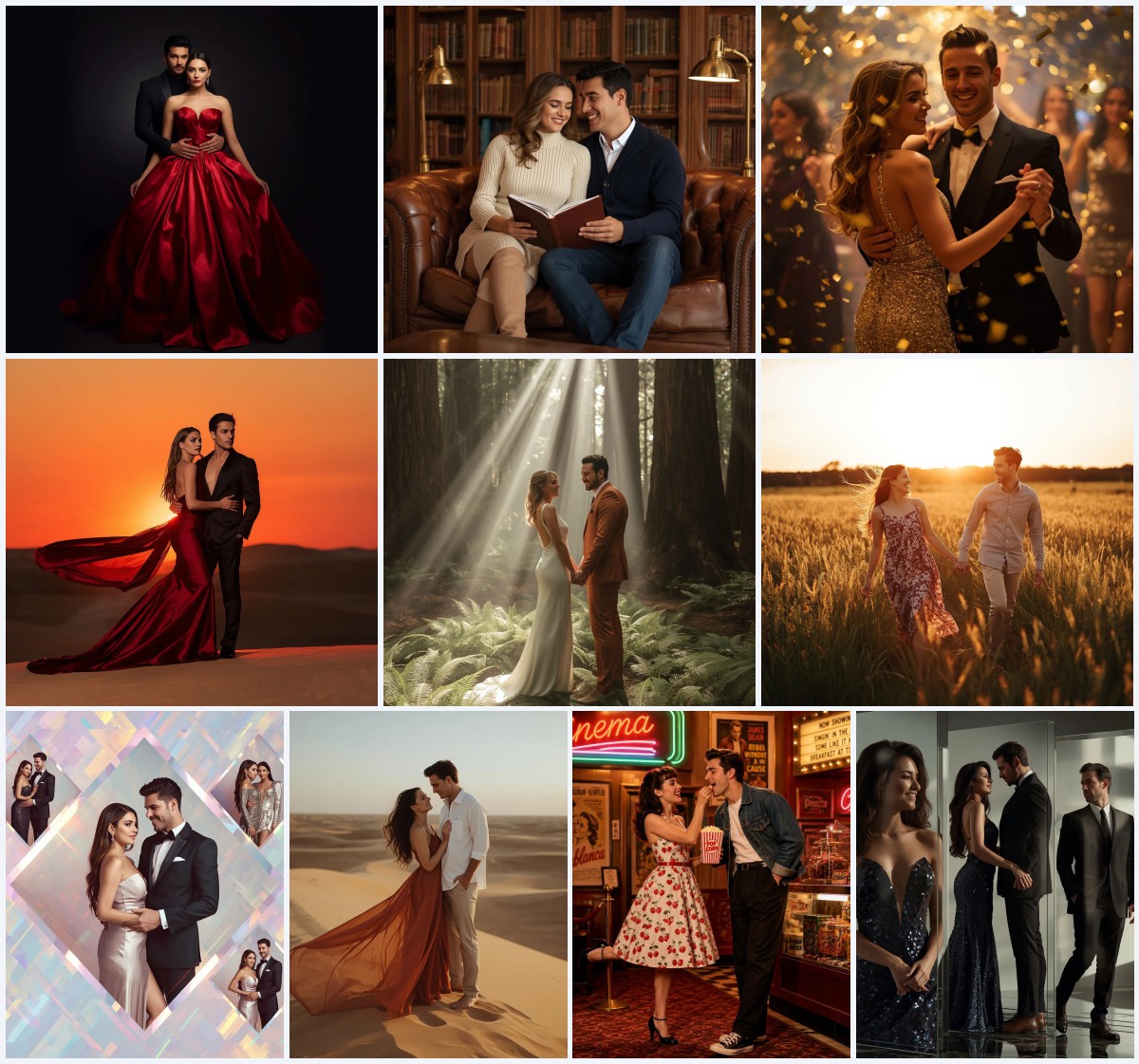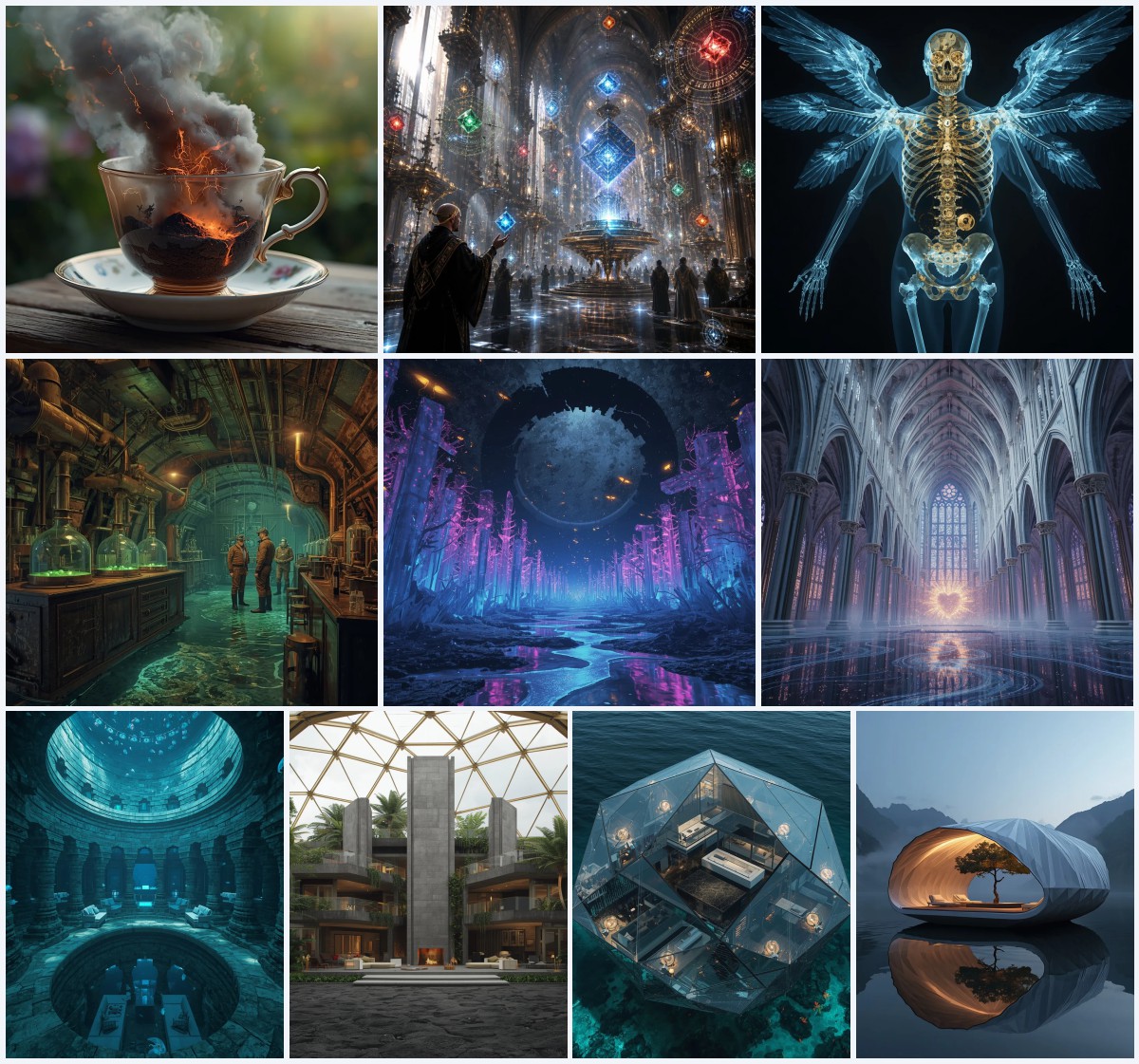


New 10 AI Prompts for Sci-Fi, Fantasy, and Surreal Digital Illustrations with Cybernetic Elements
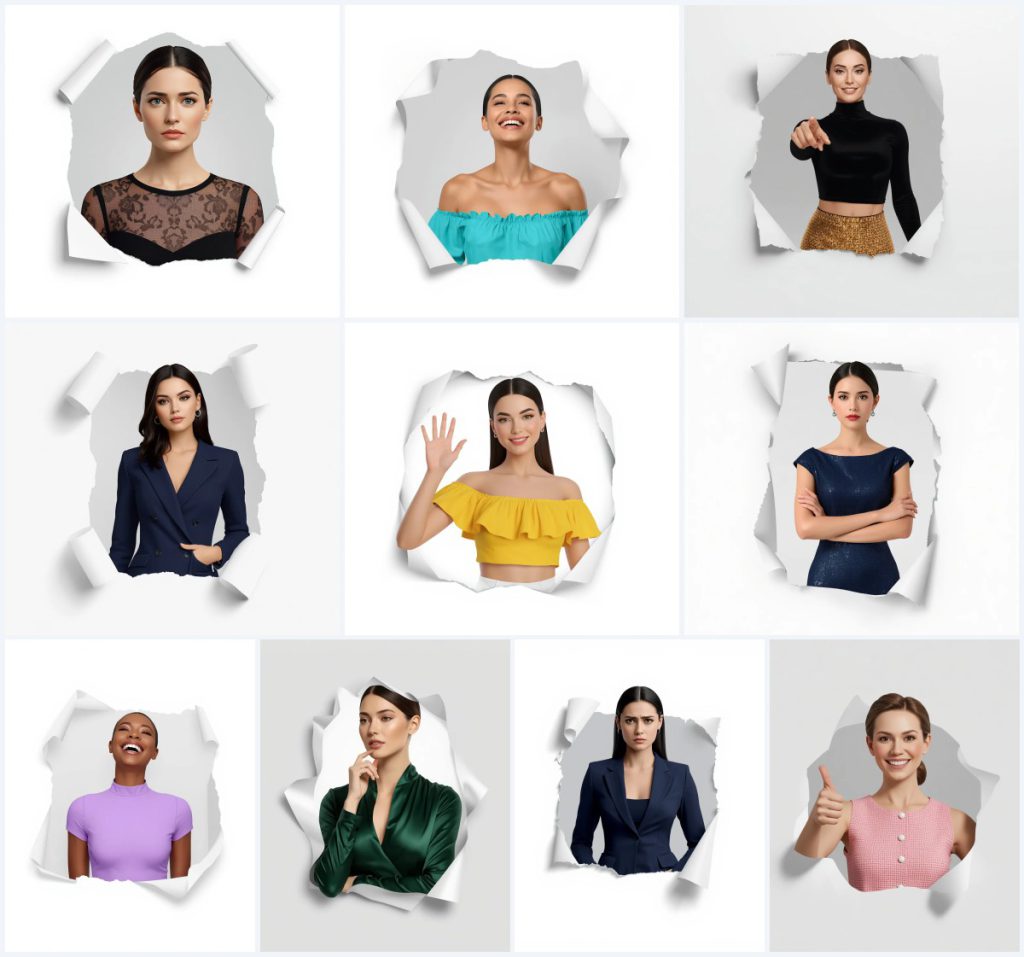
This set of ten AI image prompts brings a uniform cybernetic-meets-studio concept to life: a beautiful woman bursts through a torn paper hole, her chest-up portrait rendered in ultra-clean 3D against pure white. The collection spans varied moods and outfits—from a laughing joy in turquoise to a calm, crossed-arm stance in midnight blue—while strictly maintaining identical facial identity across every frame. It’s a masterclass in consistent character design, perfect for photographers, digital artists, and prompt engineers aiming for polished, repeatable avatars.
Each prompt locks the same structural core: a 4:5 vertical crop, soft studio lighting without harsh shadows, and a crisp white background that refuses any gradient. The real variation lives in wardrobe and expression, giving you ten distinct but unmistakably related portraits. Whether you’re building a lookbook, testing AI realism, or crafting a cohesive social-media carousel, these prompts deliver a clean, high-resolution aesthetic that feels both futuristic and editorial.
What this 10-prompt portrait collection is asking for
The collection demands ten ultra-clean, high-resolution 3D renders of the same woman, each time emerging through a torn paper hole with realistic ripped edges. Every frame is a chest-up shot in a 4:5 vertical ratio, lit by soft studio light that casts no harsh shadows and backed by a single cool, crisp pure white. The woman’s facial identity must remain identical across all ten images, while her outfit, expression, and subtle hand gestures shift to define each unique card.
- Ultra-clean, sharp, polished 3D render of a beautiful woman with identical facial identity across all frames
- Torn paper hole with realistic, ripped edges wrapping naturally around her half-body, creating a 3D popping-out effect
- Subtle light grey gradient inside the paper hole against a single cool, crisp pure white background locked without gradient or color shift
- Soft studio lighting, even and clean, casting no harsh shadows and providing smooth highlights
- Chest-up framing within a 4:5 vertical aspect ratio
- Distinct outfit and expression per prompt, ranging from a black lace overlay dress to a playful pink tweed dress
The shared scene behind these ten portraits
Every image in this set shares the same surreal studio stage: a woman’s torso and face appear to “emerge through a torn paper hole, with realistic, ripped edges wrapping naturally around her half-body.” The paper tear isn’t a flat graphic—it’s a dimensional element that casts a subtle grey gradient inside the opening, reinforcing the 3D popping-out effect. Outside the tear, the world is reduced to a “single cool, crisp pure white, locked without gradient or color shift,” which isolates the subject completely and keeps all attention on her expression and clothing.
Lighting is deliberately neutral and flattering. The prompt specifies “soft studio lighting, even and clean, casting no harsh shadows and providing smooth highlights,” so the skin reads as porcelain-smooth and the fabric textures—whether a sequin mini skirt or a satin gown—catch just enough sheen. Because the framing is strictly “chest-up” and “4:5 vertical,” each composition feels intimate yet consistent, as if you’re flipping through a high-fashion contact sheet where only the mood and outfit change.
Why this prompt collection works for AI portraits
This set succeeds because it solves a persistent AI headache: character consistency across multiple generations while still offering visual variety. By locking the camera distance, lighting, background, and the torn-paper framing, you get a unified lookbook that feels like one model on one shoot day. The outfit and expression swaps then become the creative playground—perfect for testing how different AI tools handle fabric rendering, skin continuity, and subtle hand poses like a thumbs-up or a wink.
- The identical facial identity requirement forces tools to maintain character coherence, making it ideal for avatar packs or brand mascots.
- The torn paper hole adds a tactile, cybernetic-surreal edge that elevates a plain studio portrait into something shareable and editorial.
- Ten distinct outfits and moods let you benchmark an AI model’s range in rendering lace, sequins, tweed, satin, and off-shoulder cuts under identical conditions.
Three styles baked into this prompt collection
Though the prompts read like straightforward studio photography, they actually fuse three distinct visual languages. The collection leans heavily into 3D-render realism, editorial fashion photography, and a dash of surreal papercraft. Every image in the set must stay within this hybrid zone—you won’t drift into illustration or fantasy matte painting without breaking the prompt’s core constraints.
- Photorealistic 3D Render: The prompt demands an “ultra-clean, high-resolution, sharp, polished 3D render,” so the final image should look like a CGI character test with flawless skin and fabric physics.
- Editorial Fashion Portrait: With soft studio lighting, pure white backdrop, and chest-up framing, the collection mimics a high-end beauty editorial where the model cycles through ten looks.
- Surreal Papercraft Pop-Out: The “torn paper hole with realistic, ripped edges” introduces a tactile, almost scrapbook-like illusion that contrasts with the hyper-clean 3D subject.
How to generate this 10-prompt portrait series step by step
Start by copying the full text of your chosen prompt—say, the Joyful Woman Laughing in a Bright Turquoise Off-Shoulder Dress—exactly as written. Paste it into your AI image generator with a 4:5 aspect ratio lock. If your tool supports seed numbers, keep the seed identical across all ten prompts to help maintain facial identity. Generate the first image, then move to the next prompt in the list, adjusting only the outfit and expression cues while preserving every structural clause.
- Copy the prompt verbatim. Take the entire prompt text, including the ultra-clean 3D render clause, torn paper hole description, and lighting instructions, without truncating.
- Upload a reference photo. If your tool allows image-to-image or character reference, upload a clear front-facing portrait of the woman you want to use as the base face.
- Generate the first image. Run the prompt with a 4:5 vertical aspect ratio and note the seed number so you can reuse it for subsequent prompts to lock facial identity.
- Check hands, face, and torn paper edges. Inspect the chest-up crop for distorted fingers (thumbs-up or waving hands are common failure points), asymmetrical eyes, and paper rips that look painted rather than dimensional.
- Repeat for all ten prompts. Paste each new outfit-and-expression prompt, keeping the seed, aspect ratio, and all structural wording identical; only the clothing and mood lines change.
- Batch-upscale and compare. Upscale the final set and lay them out side by side to confirm the woman’s face reads as the same person across all ten images.
What reference photo works best with these prompts
A strong reference photo is the anchor that keeps the woman’s face identical across all ten images. Choose a well-lit, front-facing headshot with minimal makeup and a neutral expression so the AI can easily map it onto smiling, winking, or calm variations. The reference should be shot against a plain background to avoid bleeding unwanted colors into the pure white backdrop.
- Use a chest-up portrait with even, diffused lighting that matches the prompt’s soft studio description—harsh shadows in the reference will fight the prompt’s lighting rules.
- Pick a photo where the subject’s hair is pulled back or simply styled so the torn paper edge can wrap cleanly around the silhouette without intersecting stray flyaways.
- Ensure the reference is high-resolution and sharp; the prompt demands an “ultra-clean, high-resolution, sharp” output, and a soft or grainy source photo will undermine that.
Best AI tools for these torn-paper 3D portraits
Different AI image generators handle the prompt’s blend of 3D realism and surreal papercraft with varying success. The table below compares four popular options, focusing on how well each can maintain identical facial identity, render the torn paper hole, and deliver the ultra-clean studio finish.
| Tool | Access | Typical realism | Useful here for |
|---|---|---|---|
| ChatGPT | Free/Paid | High (DALL·E integration) | Maintaining identical facial identity across ten frames when you reuse the seed and reference image |
| Google Gemini | Free/Paid | Moderate-High | Quick iterations of the torn paper hole effect with realistic ripped edges wrapping around the half-body |
| Leonardo AI | Freemium | High (with fine-tuned models) | Rendering fabric textures like the black lace overlay dress or gold sequin mini skirt under soft studio lighting |
| Midjourney | Paid | Very High | Polishing the 3D popping-out effect against the subtle light grey gradient inside the paper hole |
Three tips for nailing the torn-paper studio look
Small adjustments in your workflow can dramatically improve how these prompts render. Focus on preserving the dimensional quality of the paper tear and the consistency of the model’s face, because those are the elements that sell the collection as a unified set.
- Lock the seed after the first successful generation—this is the single most effective way to keep the woman’s face identical across the black lace overlay dress, the turquoise off-shoulder dress, and all other outfits.
- Describe the paper thickness in a negative prompt if your tool supports it; adding “flat paper, 2D cutout” to negatives helps the AI avoid turning the realistic ripped edges into a simple collage overlay.
- When rendering shiny materials like the gold sequin mini skirt or the emerald green satin dress, boost the prompt’s “smooth highlights” by adding a short weighting phrase such as “specular highlights on fabric::1.2” if your tool accepts parameter syntax.
Common issues and how to fix them
Even with a tightly written prompt, AI generators can stumble on specific details. The table below addresses four recurring failures that users encounter with this collection and offers precise adjustments.
| Issue | What to change |
|---|---|
| Face drifts between prompts, losing identical identity | Reuse the exact seed and reference image for every generation; if the tool lacks seed control, add “same woman as previous image” to the prompt start. |
| Torn paper hole looks like a flat white frame instead of a 3D rip | Strengthen the torn-paper clause: “thick cardstock with layered, fibrous ripped edges casting a subtle drop shadow inside the opening.” |
| Hands in waving or thumbs-up poses appear distorted or fused | Crop prompts to true chest-up only, removing any mention of hands; if hands are essential, add “perfectly formed fingers, anatomically correct hands” and use an inpainting pass. |
| Pure white background picks up a faint gradient or color tint | Reinforce with “background is absolute pure white #FFFFFF, no gradient, no vignette, no color cast” and lower the CFG scale slightly to reduce creative drift. |
Frequently Asked Questions
Can I mix and match outfits and expressions across the ten prompts?
Absolutely. The structural core—torn paper hole, 4:5 ratio, soft studio lighting, pure white background—is designed to be modular. You can take the black lace overlay dress from one prompt and pair it with the playful wink from another, as long as you keep the facial-identity seed locked.
Why does the prompt insist on a subtle light grey gradient inside the paper hole?
That gradient creates the illusion of depth. Without it, the torn hole can read as a flat cutout. The grey suggests a shadowed interior behind the paper, which makes the woman’s 3D popping-out effect believable against the pure white surround.
Do I need a high-end GPU to generate these ultra-clean 3D renders?
Not necessarily. Cloud-based tools like ChatGPT, Leonardo AI, and Midjourney handle the heavy lifting server-side. If you’re running a local model, a mid-range GPU with at least 8 GB of VRAM should suffice for 4:5 outputs, though upscaling to print resolution will benefit from more memory.
Conclusion
This ten-prompt collection turns a single surreal concept—a woman bursting through torn paper under studio lights—into a versatile toolkit for consistent AI portraiture. By anchoring the facial identity, framing, and lighting, you free yourself to explore a wardrobe of lace, sequins, tweed, satin, and more without losing visual coherence. Whether you use ChatGPT, Midjourney, Leonardo AI, or Google Gemini, the prompts give you a repeatable formula that feels both cutting-edge and editorial. The real magic lies in the details: that subtle grey gradient inside the rip, the refusal of any background gradient, and the soft, shadowless light that makes every fabric and expression read with crystal clarity.
When you’re ready to refine the final image, open the generated portrait in your preferred photo editor and adjust the white balance or sharpen the torn-paper edges—just make sure you have the right to edit the photo you’re working on.